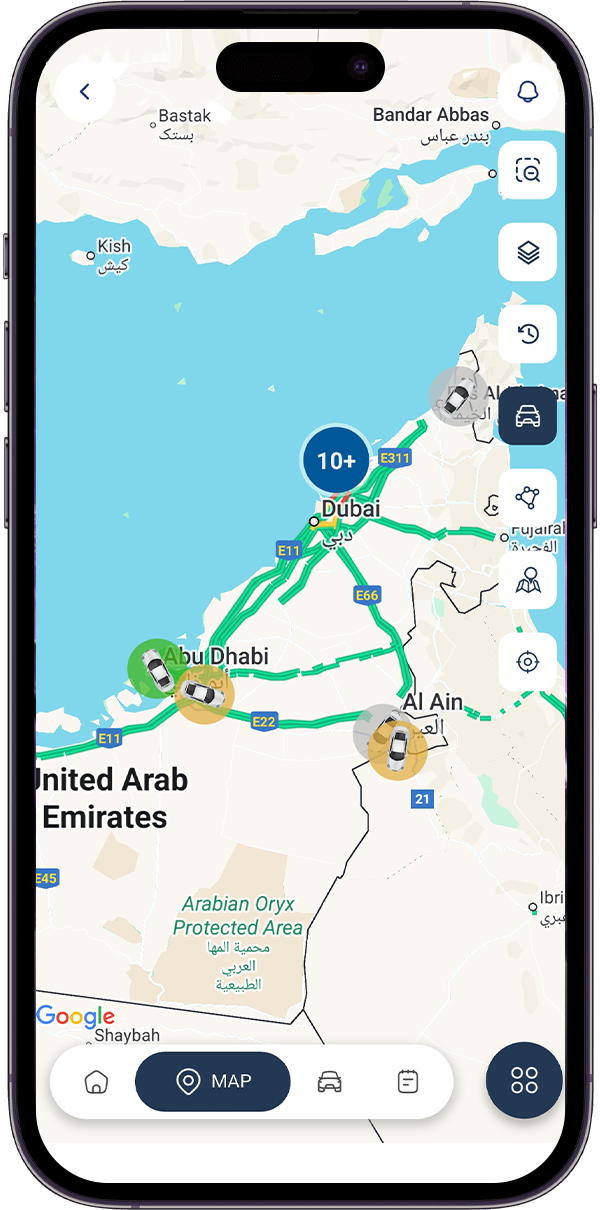
Boundaries and speed limits are only effective when violations are detected immediately. TouchTrak Geofence & Over-Speed gives fleet managers real-time visibility into vehicle movement, helping them monitor restricted areas, customer locations, construction sites, and other important zones.
With customizable geofences and speed rules, managers can respond quickly to unauthorized movements and speeding events. This creates better control over daily fleet operations while helping reduce unnecessary fines, safety risks, and operational disruptions.
Create circular, polygon, or route based boundaries around customer locations, construction sites, warehouses, restricted areas, and other important locations.
Entry & Exit Alerts
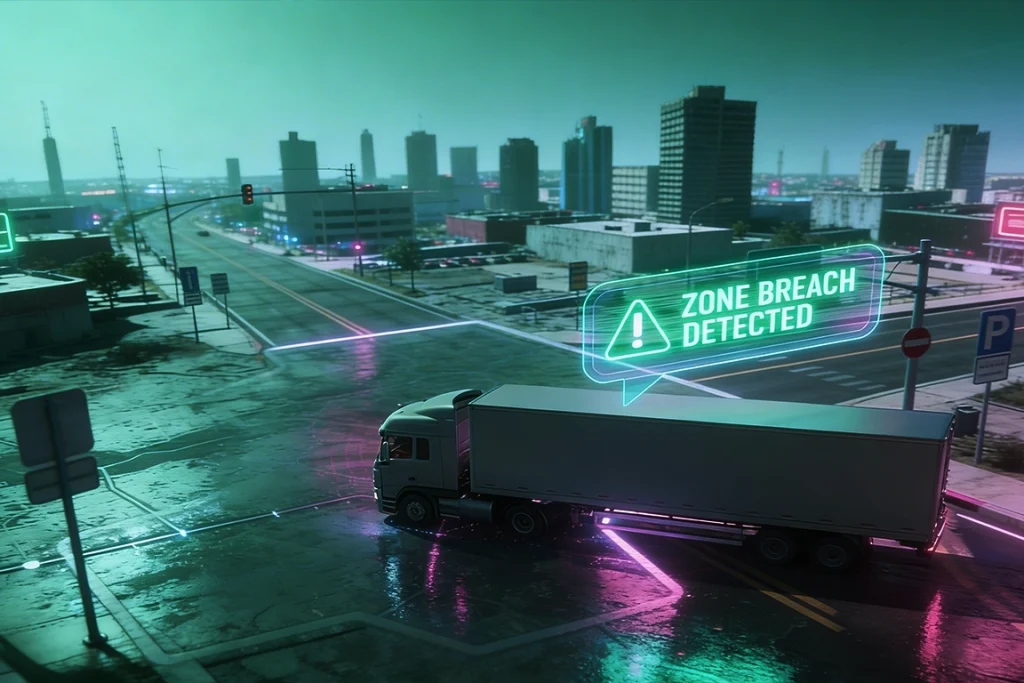
Receive real time notifications whenever a vehicle enters or leaves a defined geofence, helping managers monitor vehicle movements without constant supervision.
Speed Violation Alerts
Automatically detect over-speed events based on posted or customized speed limits and give managers immediate visibility of violations.
Rule Customization
Set different geofence and speed rules according to the vehicle, location, operating requirements, or time of day.
Advantages of Geofence & Over-Speed
Enforced boundaries and speed limits give fleet managers greater control over vehicle operations without requiring someone to physically monitor every vehicle. TouchTrak helps businesses protect job sites, improve driver discipline, reduce speeding violations, and respond quickly when vehicles operate outside defined rules.
By receiving real-time alerts for geofence breaches and over-speed events, managers can identify potential issues as they happen. This allows them to take timely corrective action, improve compliance, and maintain safer and more controlled fleet operations.
Real-Time Boundary & Speed Monitoring
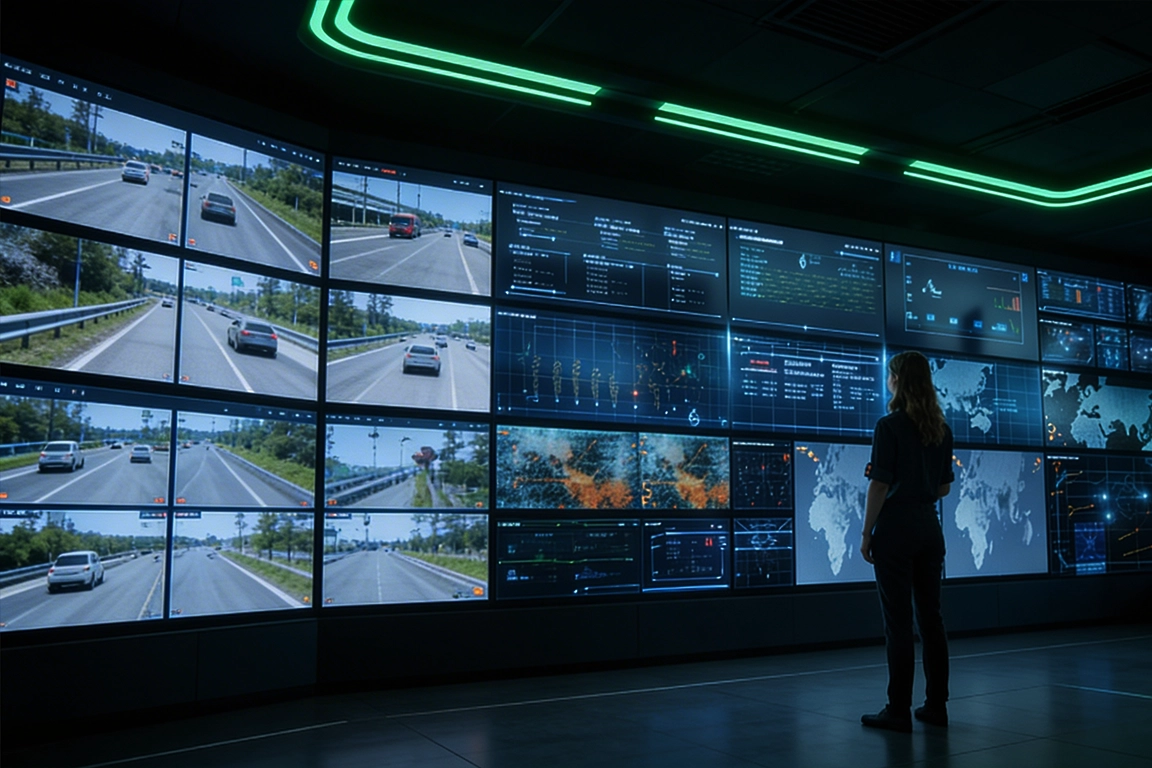
TouchTrak brings vehicle location and speed information together in one intelligent monitoring system. Fleet managers can define operating zones, assign appropriate speed limits, and receive alerts whenever vehicles move outside approved areas or exceed configured thresholds.
This gives businesses a clearer understanding of how vehicles are being used throughout the day. By identifying unauthorized movements and speeding events as they happen, managers can take corrective action quickly, improve operational discipline, and maintain safer fleet operations.
FAQ
Frequently Asked Questions
1
How many geofences can I create?
TouchTrak supports unlimited geofences, including circular, polygon, and route-based shapes.
2
Can speed limits be customized per zone or vehicle?
Yes. Speed thresholds can be configured according to the zone, vehicle type, or time of day.
3
How quickly are entry and exit alerts sent?
Alerts are provided in real time when a vehicle crosses a defined geofence boundary.
4
Can geofencing help reduce speeding fines?
Yes. Real-time over-speed alerts allow managers to identify and address violations before they develop into repeated patterns or result in fines.
5
Is geofence activity included in reports?
Yes. Zone activity and speed violations can be included in exportable reports for review and analysis.
6
Can I set different rules for different times of day?
Yes. Time-based rules can be configured for both geofences and speed limits.
Advanced Fleet Control
Smarter Geofence & Speed Monitoring
TouchTraks Geofence & Over-Speed gives fleet managers complete visibility over where vehicles are operating and how fast they are travelling. Managers can create customized geofences around construction sites, customer locations, warehouses, restricted areas, and other important zones while setting appropriate speed limits for different vehicles and locations.
With real-time alerts for geofence entry and exit events and over-speed violations, managers can identify issues as they happen and take immediate corrective action. This helps prevent unauthorized vehicle movements, improve driver discipline, reduce speeding-related risks, and maintain safer and more controlled fleet operations.